The most intelligent AI Humanizer for making ChatGPT, Claude, Deepseek, Gemini, Grok, and other AI-generated text sound human.
No credit card required
Loading form...
Trusted by 1M+ users worldwide:
Why Natural Write AI Humanizer?
99.97%
Accuracy
Our most advanced model delivers unmatched accuracy for research papers, term papers, essays, thesis papers, and SEO articles.
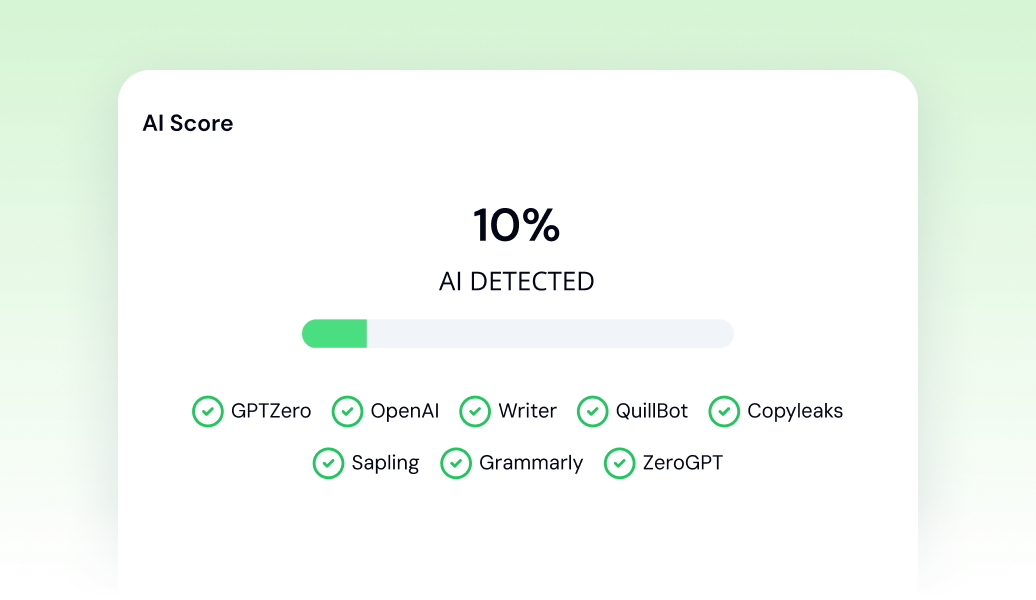
Built-in AI Detector
Instantly test your output with multiple AI checkers.

1M+ Users Worldwide
Trusted by students, researchers, and professionals across the globe.
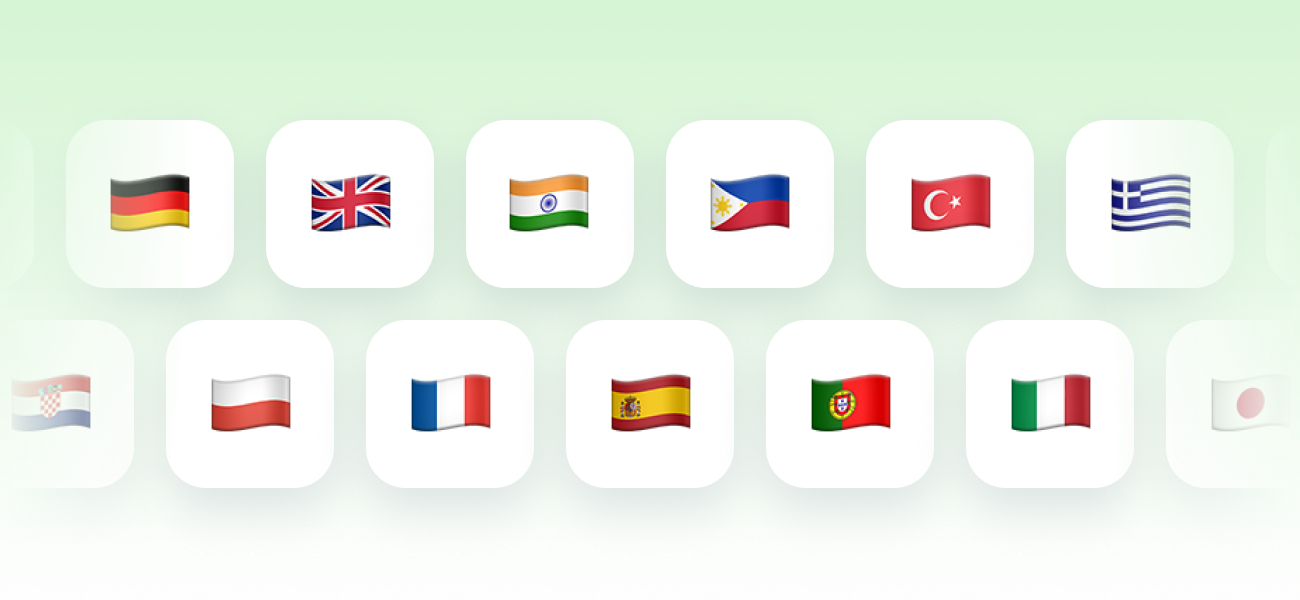
50+ Languages Supported
Designed for global use across countries and institutions.
Private, Compliant, and Secure
GDPR Compliant
Natural Write complies with the General Data Protection Regulation (GDPR) to protect the privacy and personal data of users in the European Economic Area

PCI DSS Compliant
All payments are handled by Stripe, a PCI DSS Level 1 certified provider, and we never store or access your credit card details.

CCPA Compliant
Natural Write complies with the California Consumer Privacy Act, ensuring transparency and control over personal information for California residents.

We never sell your data
Natural Write is committed to protecting your privacy and never sells your personal data to third parties.
Who Can Benefit from Natural Write?
SEO writers
Make AI-generated text sound more human to achieve better SEO results.
Job seekers
Refine your resume to sound natural and authentic.
Students
Improve draft papers to improve clarity and readability.
Why people love Natural Write
The Humanizer helps me clean up draft papers and make them sound more natural. It keeps my original meaning but improves the flow a lot. I use it almost daily now 🙂
Emily Johnson
Student, United States
I've tested a lot of similar tools, but this Humanizer gives the most natural results by far. My articles finally sound like something I actually wrote, not AI. It easily saves me a few hours every week.
Carlos Fernández
Content Marketer, Spain
I used to switch between multiple writing tools, now I just use Natural Write. Everything I need is in one place and it works smoothly. Makes my workflow much simpler.
David Chen
Product Manager, Singapore
The AI Detector is extremely fast and surprisingly accurate. I use it before publishing and it gives me confidence in the content. Simple and does exactly what it should.
James Walker
SEO Specialist, United Kingdom
I use it every day in my work and it just works. It always gives exactly what I mean, without changing the message. Honestly one of the most reliable writing tools I've used.
Anna Müller
Copywriter, Germany
I check most of my client content with the AI Detector before sending it. It's easy to use and very reliable. Became part of my daily routine pretty quickly 👍
Yes. You get 300 words for free to test all features — no credit card required. If you need more words, you can upgrade to a premium plan anytime.
Does Natural Write bypass Turnitin, Originality, or other AI detectors?
We cannot guarantee that any output will bypass third-party AI detection tools. We are not affiliated with Turnitin or similar services. Our models are continuously updated to improve performance, but results may vary depending on the detector used. Please ensure you use Natural Write in accordance with our Responsible Use guidelines, Terms of Service, and Privacy Policy.
I didn't receive a confirmation email. What should I do?
Check your spam or promotions folder first. If it's not there, your email provider may have blocked it. Try signing up again with a Gmail address. If you've already paid and can't log in, contact support@naturalwrite.com
How do I cancel my subscription?
You can cancel your subscription at any time. Log in, click the account icon in the top-right corner, select "Manage Subscription," and choose "Cancel subscription." You will be redirected to the Stripe billing page, where you can complete the cancellation. Once canceled, no future payments will be charged, and you will retain access until the end of your current billing period.
How much does Natural Write Premium cost?
You can start with 300 free words. For additional usage, see current pricing. Annual plans offer up to 50% savings compared to monthly billing.
Can I get a refund?
You can request a refund within 14 days of your purchase as long as you've used fewer than 500 words. If usage goes beyond this limit, the service is considered delivered and a refund won't be available. To submit a request, simply visit https://www.naturalwrite.com/refund and follow the steps. Full details about eligibility are outlined in our Terms of Service.
Do you have an API?
Yes. Our API allows you to integrate Natural Write directly into your workflow to humanize and improve content at scale. Learn more at https://naturalwrite.com/api.
How do I upgrade or downgrade my plan?
Open the pricing page, select the plan you'd like to switch to, and complete the purchase. Your new plan will automatically replace the previous one — no additional steps required on your side.
How can I contact support?
Email us at support@naturalwrite.com.
How do I update my invoice details (name, address, Tax ID)?
Log in, open the account menu, and select "Manage Subscription." Click "Cancel" (this will not cancel your plan) to access the Stripe Customer Portal. Under Billing Information, choose "Update information," edit your details, and save. Changes apply to future invoices only.
How do I delete my data?
Send your account deletion request to support@naturalwrite.com
Do you have an influencer program?
Yes. We are actively looking for UGC creators. Email ugc@naturalwrite.com with your experience, portfolio links, audience details, and past collaborations to speed up onboarding.
How do I get a receipt or invoice?
After every payment, Stripe automatically sends a receipt and invoice to your email address.
I accidentally signed up for the yearly plan but want monthly.
If you accidentally selected the wrong plan (for example, yearly instead of monthly), the best way to fix it is to first request a refund — if you're eligible. You can do this at https://www.naturalwrite.com/refund.
Refunds are available within 14 days of purchase as long as fewer than 500 words have been used.
Once your refund is processed, your current subscription will be canceled automatically. After that, simply log in again, go to the pricing page, and choose the monthly plan you prefer. This way you can switch plans smoothly without being charged for the wrong one.
How does Citation Checker usage work?
Guests get 1 free citation check before signing up. After registration, your account starts with 300 free words, and each citation uses 250 words from your balance — so checking 5 citations uses 1,250 words.
When does my monthly word balance reset?
Your monthly word balance resets every month on the same date your subscription started. For example, if your plan started on May 15, your included monthly words will reset on June 15, then again on July 15.
If you use all the words included in your plan before the next reset date, you can purchase extra words. Extra words are one-time top-ups and stay in your account until you use them.
Do you support other languages?
Yes. For non-English text, select the Multilingual model.
How does the referral program work?
Every account has a personal invite link. The moment a friend signs up through it, you both get 200 extra words. When that friend buys any paid subscription, you both get 3,000 more — there is no limit on how many friends you can invite, and the words never expire. Your link, your invite list and the words you have earned are all on the Referral Program page.
What is the Doc Editor?
The Doc Editor is a full document workspace inside Natural Write: write or paste your text, format it, and run Humanize, Paraphrase and AI detection on any part of it — all in one place. Your documents are saved to your account automatically as you type.
How does autocomplete work in the Doc Editor?
Pause while writing and Natural Write suggests the next sentence right in the editor. Press Enter to accept it as is, or Tab to accept a paraphrased version — suggestions you ignore cost nothing. You can turn autocomplete off in the editor settings.
How do I humanize or paraphrase part of my document?
Select at least 50 words and click Humanize or Paraphrase in the toolbar that appears above your selection. You will see a before and after comparison, so you can accept the result, discard it, or try again.
How do I check the AI score of my document?
Select the paragraphs you want to check, or your whole essay, and click Check AI. You get the percentage of your text that reads as human-written, plus a recommendation to humanize it when the score is too low.
Do Doc Editor actions use my word balance?
The Doc Editor shares the same word balance as every other Natural Write tool. Humanize, Paraphrase and autocomplete only charge words when you accept the result, so anything you discard is free; AI checks are charged when you run them.