
Knowing how to write a clear, professional email to a teacher isn't just about getting your point across—it’s about building a respectful relationship and making it easy for them to help you. This is a skill that will serve you well through your entire academic career and long after you’ve graduated.
Why a Thoughtful Email to Your Teacher Actually Matters
Sending an email to a teacher is more than just firing off a quick question. It’s a reflection of your maturity and a critical life skill you're developing right now. A well-crafted email cuts through the noise of a packed inbox, shows you respect your teacher's time, and ultimately makes them want to help you. Honestly, this approach almost always leads to faster, more positive responses.

The Golden Rules for Writing to an Educator
Every effective email boils down to a few simple principles. Keep these in your back pocket every time you hit "compose":
- Be Clear: Get straight to the point. Your teacher shouldn't have to guess what you need. State your purpose in the first sentence or two.
- Be Courteous: A little respect goes a long way. Always use a proper greeting and closing. A polite tone can make all the difference.
- Be Concise: Keep it brief. Provide the necessary details, but don't write a novel. Long, rambling paragraphs get skipped.
It helps to remember what's on their plate, too. A 2024 global report revealed that the world needs an additional 44 million teachers by 2030. That stat highlights just how stretched thin many educators are. When you understand that, you see why a short, well-structured email isn't just a nice-to-have—it's essential if you want a prompt reply. You can learn more about these teacher workforce trends and see why your clarity truly matters.
Quick Guide to Emailing Your Teacher
Before we get into the nitty-gritty, here’s a quick-reference table. Think of it as your cheat sheet for the essential dos and don'ts when you write an email to a teacher.
| Do | Don't |
|---|---|
| Use a specific subject line that includes your class name and the email's purpose. | Leave the subject line blank or use vague terms like "Question" or "Hello." |
| Address your teacher formally (e.g., "Dear Dr. Smith," or "Hello Professor Jones,") unless told otherwise. | Use informal greetings like "Hey" or just start typing your message without a salutation. |
| Proofread your email for spelling and grammar errors before sending. | Rely on autocorrect or send an email filled with typos and text-speak like "u" or "idk." |
| State your request clearly and provide all necessary context in a concise manner. | Write long, confusing paragraphs that bury your main point or request. |
Keep this table in mind, and you're already halfway to writing an email that gets results.
Crafting a Clear Subject Line and Proper Salutation
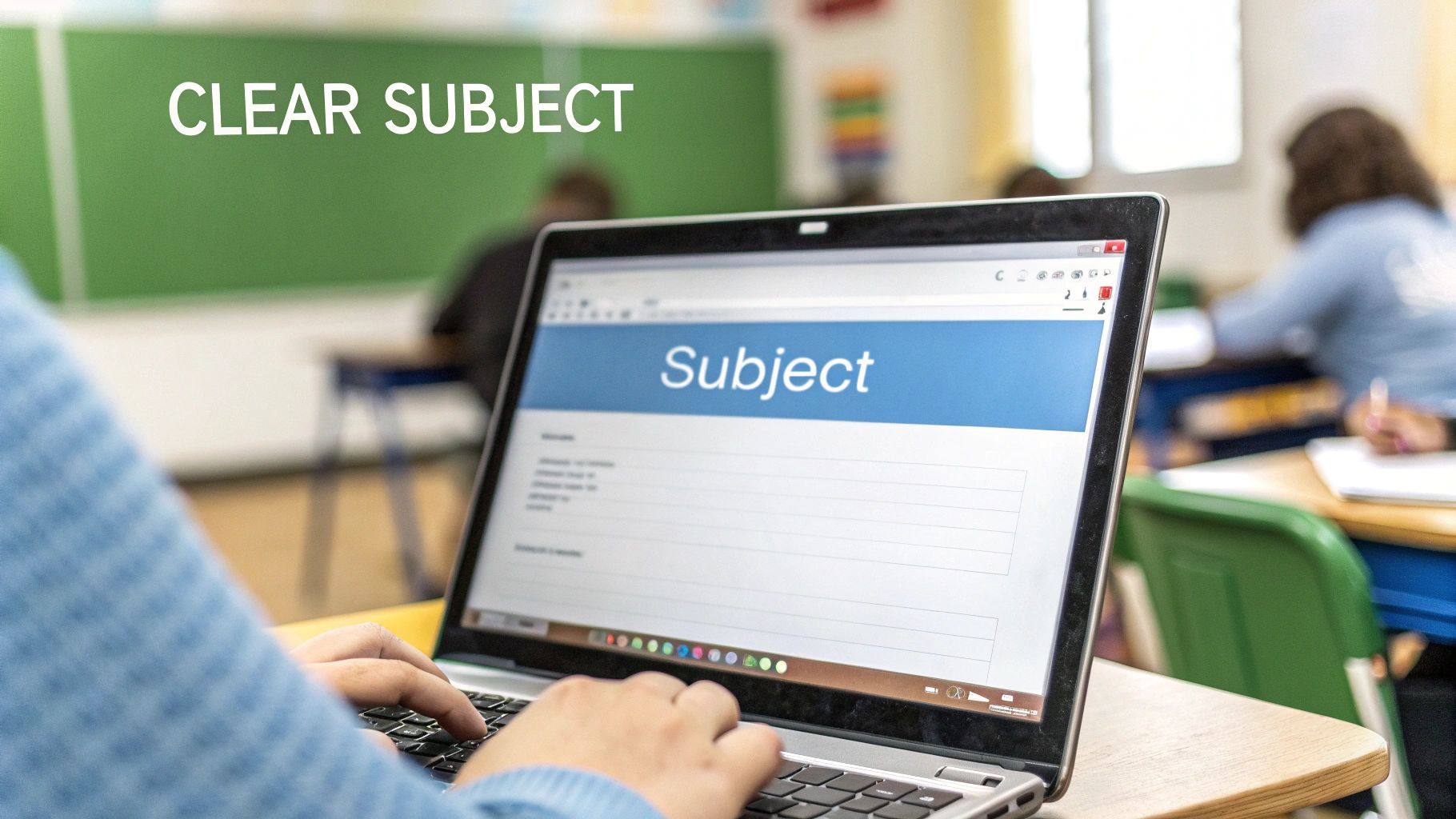
Your subject line and greeting are your first impression. Think of the subject line as the title of your email—it tells your teacher exactly what’s inside and why they should bother opening it. A vague or blank subject line is the fastest way to get your message lost in a sea of other emails.
The goal is to be brief but descriptive. Just include your name, your class, and the reason you're writing. This simple formula helps your teacher immediately see who you are and what you need without even clicking.
Making Your Subject Line Effective
A strong subject line is your best tool for getting a quick response. And since a survey found 90% of teachers check their email on a smartphone, keeping it short and scannable is a must. For a deeper dive, check out our guide on email subject line best practices. You want something that’s easy to read on a small screen. You can find more on teacher communication trends at Buzz Education.
Here are a few solid examples for common situations:
- Question About an Assignment: "Question about History Essay - Jane Doe - Period 3"
- Requesting an Extension: "Extension Request for Science Project - John Smith - BIO 101"
- Notifying of an Absence: "Absence on Oct 26 - Maria Garcia - English 9"
These get straight to the point. The teacher knows who you are, what class you're in, and what you need before they even open the message.
Choosing the Right Salutation
Right after the subject line, your greeting sets the tone for the entire email. This is where you show a little respect and professionalism. How you greet your teacher really depends on your relationship with them and the overall vibe of your school.
The safest bet is to always start more formally than you think you need to. You can always adjust to a more casual tone if your teacher responds that way, but you can’t take back an overly casual first impression.
When in doubt, go formal. It shows you’re taking the conversation seriously.
Here’s a quick breakdown of your options, from most formal to least:
- Dear Dr. Evans, (Use "Dr." if they have a doctorate.)
- Dear Professor Davis, (This is the standard for college and university instructors.)
- Dear Mr./Ms./Mx. Chen, (A reliable and respectful choice for pretty much any teacher.)
- Hello Mr. Chen, (A little less formal, but still totally appropriate.)
Whatever you do, please avoid starting your email with "Hey," "Hi," or no greeting at all. It feels way too casual for an academic setting and can come across as disrespectful, even if you don't mean it that way. Taking a second to choose a proper salutation shows maturity.
Nail the Email Body: Be Clear and Concise
Once your subject line gets the email opened, the body of your message has to deliver. Teachers are busy, so your goal is to be incredibly easy to understand in just a few seconds. The best way to write an email to a teacher is to be direct, polite, and brief.
Start with a single sentence that gets right to the point. Don't bury your reason for writing under a bunch of introductory fluff. Just jump right in so your teacher immediately knows what you need.
A Simple Formula: Purpose + Context + Question
If you’re worried about rambling, a simple formula can keep you on track: Purpose + Context + Question. It’s a foolproof way to make sure you include everything your teacher needs to know without overwhelming them with extra details.
First, state your purpose directly. Something like, "I'm writing to ask for clarification on the history essay."
Next, provide just enough context. This is where you mention your class and the specific assignment. For example, "I'm in your Period 3 World History class, and I’m a bit confused about the prompt for the French Revolution paper."
Finally, end with a clear question or request. What, exactly, do you need them to do? "Could you please clarify if we should focus more on the economic or the social causes?" This gives them a specific thing to respond to, which makes their job easier.
Make It Easy to Read
Long, dense paragraphs are the enemy. Break up your text into short, digestible chunks. Seriously, keep paragraphs to two or three sentences, max. This visual spacing makes your email so much easier to scan, especially on a phone.
The need for this has only grown. A recent U.S. study found that 60% of K-12 teachers are now using AI tools for work, often to help manage communications. You can read more about how teachers are using AI at Gallup. This means concise, well-structured emails that get straight to the point are far more likely to get a quick reply.
Your teacher is likely triaging dozens of messages a day. An email they can understand and act on in under a minute is a gift. Make your message a gift.
When you have a few different points or questions, use bullet points. They draw the reader's eye right to the important stuff.
For example, instead of a wall of text like this:
"I'm working on the lab report for last Tuesday's biology experiment, and I can't find the data sheet for the plant growth measurements. I also don't remember what the deadline is, and I was wondering if we need to include a hypothesis section since we talked about it in class."
Try this much cleaner, scannable format:
"I have a few quick questions about the lab report from last Tuesday:
- Where can I find the data sheet for plant growth?
- What is the final deadline for the report?
- Should we include a dedicated hypothesis section?"
See the difference? This version is cleaner, more professional, and way easier for your teacher to process and answer. It’s a small change that makes a huge impact.
Seeing It in Action: Real-World Email Examples
Knowing the rules is one thing, but seeing them work in a real situation makes all the difference. Sometimes, the best way to learn is to just look at a few solid examples, especially for those tricky, common scenarios.
Below are a few templates for situations you'll almost definitely run into. Think of them as a starting point. The real magic happens when you customize them with your own details to make the message genuine.
Asking for Help with a Concept
It’s totally normal to get stuck on a topic. The key here is to show your teacher you've already put in some effort. This tells them you’re being proactive, not just looking for a shortcut.
Subject: Question about Photosynthesis - Biology 101 - Alex Chen
Dear Ms. Garcia,
I hope you’re having a good week.
I’m in your Tuesday/Thursday Biology 101 class and I'm having a little trouble with the light-independent reactions of photosynthesis we covered today. I’ve gone through my notes and the textbook again, but I'm still a bit fuzzy on how the Calvin Cycle works.
Would you have a few minutes to go over it with me, maybe before or after class this week? Just let me know what time might work for you.
Thank you so much,
Alex Chen
Why It Works: This email is great because it gets specific. Alex names the exact concept and shows they’ve already tried to figure it out on their own. It wraps up with a clear, polite request for a meeting.
Inquiring About a Grade
Talking about grades can feel awkward, but it's a necessary part of school. You want to come into this conversation with a curious, respectful tone—not a demanding one. Your goal is to understand, not argue.
Subject: Grade Inquiry - Midterm Essay - Fatima Iqbal - English 11
Dear Mr. Davis,
I'm writing about my grade on the recent Midterm Essay for your English 11 class. I received your feedback and would love to better understand your comments on my thesis statement.
My goal is to make sure I can improve for the final paper. Would it be possible to schedule a quick meeting to talk about how I can strengthen my writing in that area?
Thanks for your time and guidance.
Best regards,
Fatima Iqbal
Pro Tip: Whatever you do, don't demand a better grade. Frame your email around wanting to learn and get better. It shows maturity and tells your teacher you're invested in your own growth.
Requesting an Extension on an Assignment
Life happens. We've all been there. Sometimes you just need a little extra time. When you ask for an extension, be honest, take responsibility, and—most importantly—do it before the deadline hits. A last-minute plea is way less likely to work out.
Subject: Extension Request for History Presentation - Sam Jones - US History
Dear Dr. Miller,
I’m writing to respectfully request a short extension on the US History presentation, which is currently due this Friday, November 10th.
I've been dealing with a family matter this week that's taken up more of my time than I expected. I've already finished the research and the outline, but I would really appreciate an extra day or two to polish the slides and my speaking notes.
Would it be possible to submit the presentation by Monday, November 13th? I'm happy to discuss it further if you need.
Thank you for your consideration.
Sincerely,
Sam Jones
These examples give you a good idea of how a professional, well-structured email can handle different needs. If you want more tips on nailing that professional tone, this guide on a professional email example can be a big help in other situations, too.
The Final Checklist Before You Hit Send
You've got the subject line nailed down and your message is clear. Awesome. But before that finger hits "send," take an extra 60 seconds. Seriously, just one minute. Think of it as a pre-flight check to make sure your email lands perfectly without any turbulence.
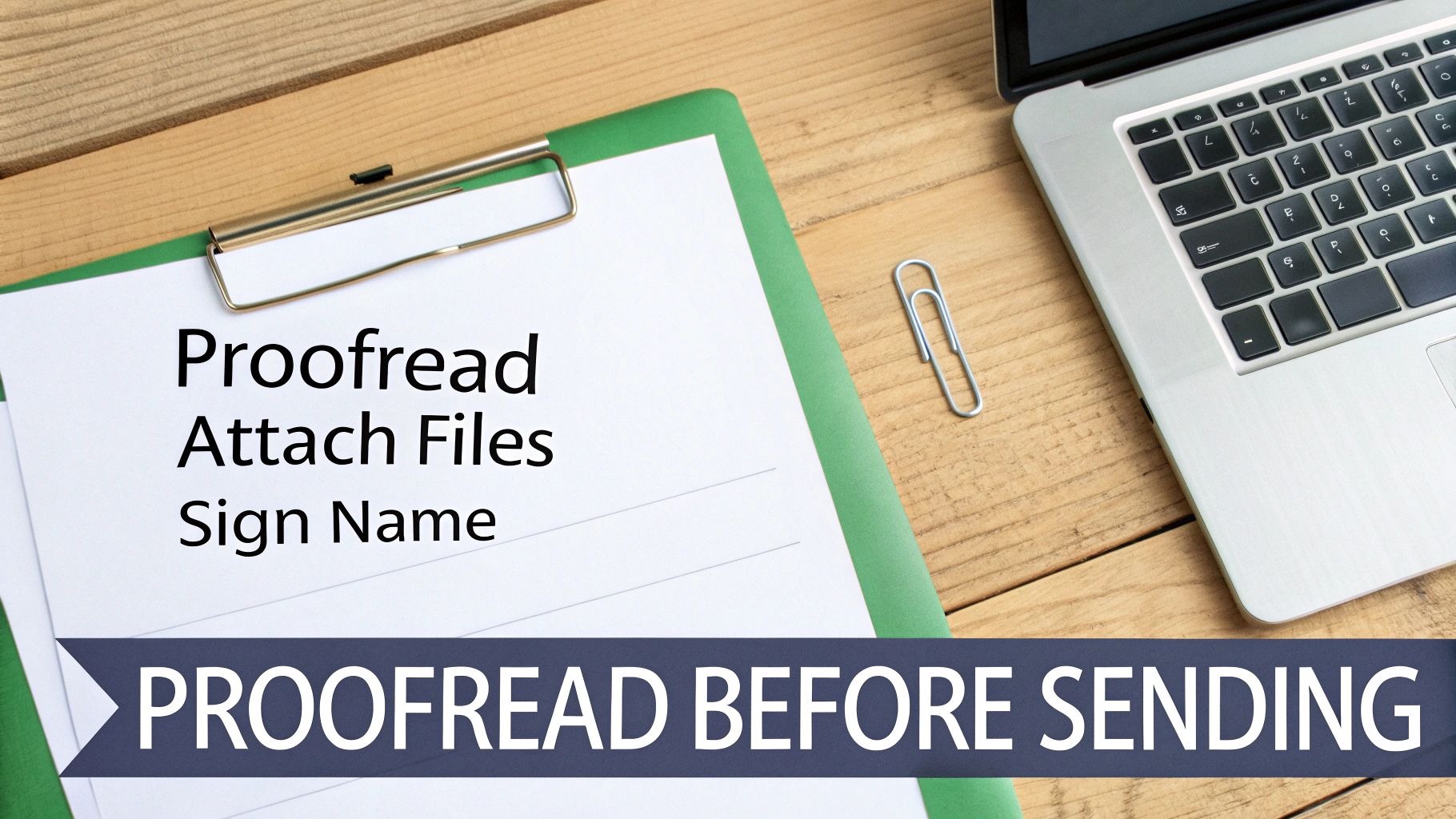
This final scan isn’t just about catching mistakes. It's about making it as easy as possible for your teacher to read your email and give you what you need.
Proofread for Polish and Professionalism
Nothing torpedoes a well-written email faster than typos. Those little grammatical goofs can make your whole message seem rushed or careless, distracting from what you're actually trying to say.
Here's a simple trick: read your email out loud. It feels a little weird, but it forces you to slow down. You'll catch awkward phrases and missed words your brain automatically corrects when you read silently.
A quick proofread is a sign of respect. It tells your teacher you value their time enough to send something clear and professional, which can definitely help your case.
If you want to get really good at this, building your own review process is a game-changer. Our detailed self-editing checklist is a great place to start for refining any kind of writing, not just emails.
Handle Your Attachments Correctly
If you mention an attachment, the absolute most common mistake is forgetting to actually attach it. We've all done it. Double-check that the file is there before you send.
Next, do your teacher a huge favor and name your file something logical.
- Don't do this:
Document1.docx - Do this instead:
JohnSmith-HistoryEssay-FinalDraft.docx
A descriptive file name helps them stay organized and instantly know what they're looking at. It's also a good habit to mention the attachment directly in the email body. A simple, "I've attached my completed lab report for your review" works perfectly.
Use a Professional Closing and Signature
Just like you started with a polite "Hello," you need to end with a professional sign-off. It’s a small touch, but it wraps everything up nicely and maintains a courteous tone.
You can't go wrong with the classics:
- Sincerely,
- Best regards,
- Thank you,
After your closing, always type your full name. To make things even easier, set up a default email signature with your key info.
Example Signature:
Jane Doe
Student ID 12345
English 101, Period 4
This little addition saves your teacher from having to hunt down who you are and which class you're in. It’s a small detail that shows foresight and makes it that much quicker for them to get back to you.
Frequently Asked Questions About Emailing Teachers
Even when you've done everything right, a few lingering questions can pop up. Let's tackle some of the most common ones so you can feel confident every time you hit "send."
How Long Should I Wait for a Reply?
This is a big one. You've sent your email, and now you're waiting. The best practice is to give your teacher at least two school days (around 48 hours) before you even think about following up.
Remember, teachers are juggling multiple classes, grading, and other duties. An instant response just isn't realistic. If your question is super urgent, check the syllabus first—sometimes they'll have specific instructions for emergencies. If that doesn't help, a quick, polite question before or after class might be the fastest route.
A little patience goes a long way. Giving your teacher time to respond shows you respect their schedule, which they'll definitely appreciate.
What Is the Best Time to Send an Email?
You can write your email whenever you want, but when you send it matters. Try to stick to normal school hours, like 8 AM to 4 PM on a weekday. An email that lands in their inbox at 2 AM or on a Sunday can feel a little intrusive.
There's a practical reason for this, too. A message sent late at night is way more likely to get lost in a flood of other emails by the next morning. Sending it during the workday gives it a much better chance of being seen and answered promptly.
Once your email is perfectly timed, you want to be sure it actually lands in their inbox. It’s worth learning how to prevent your emails from going to spam so your message doesn't get lost in a filter.
Ready to make sure all your writing is clear, polished, and professional? Natural Write can help you refine your emails, essays, and reports so they always make the right impression. Instantly humanize your text and bypass AI detectors by visiting https://naturalwrite.com.